Blog
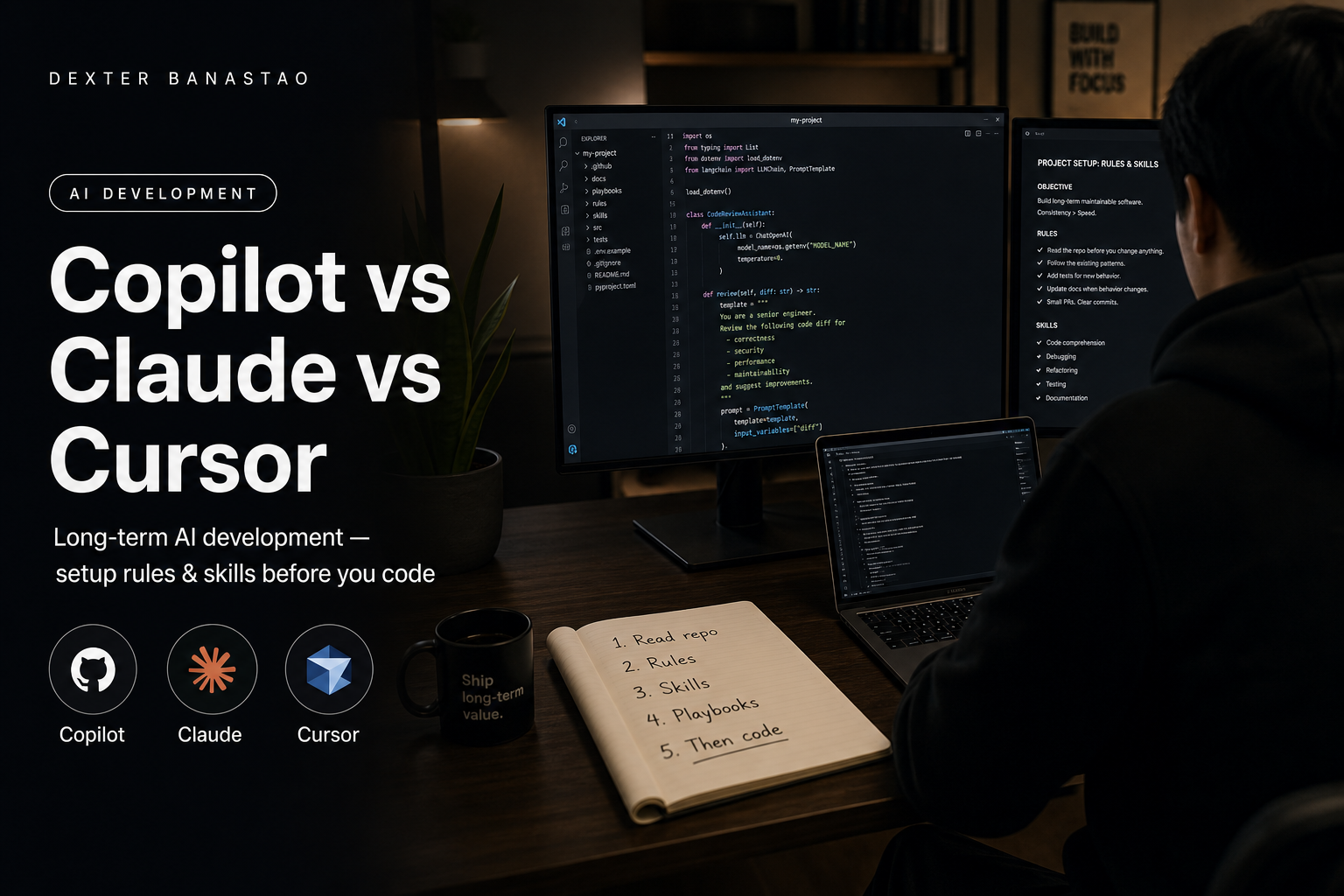
GitHub Copilot vs Claude vs Cursor — what I used, what I kept, and how project instructions keep code intact
Compared GitHub Copilot, Claude, and Cursor for real projects — why I use Cursor long-term, lower cost at max usage, and how rules and skills keep code intact.
I have used GitHub Copilot, Claude, and Cursor on real work — this portfolio, PHP backends, service pages, blog drafts, and mobile patterns I ship in production. They are not interchangeable. Each tool is good at a different slice of the job.
Today I use Cursor for long-term development because the total cost stays lower for how I work, and because project instructions (rules, skills, playbooks) keep output aligned even when I am deep into a billing cycle and brushing against usage limits.
This post is not a fanboy ranking. It is what I actually saw after months of switching between tools — and how I set up instructions so AI understands my codebase and my standards, not just my last chat message.
Who this is for: developers comparing Copilot, Claude, and Cursor; founders hiring someone who uses AI daily; and anyone who hit max usage and wondered whether the code quality would fall apart. (It does not have to — if instructions are in the repo, not in your head.)
For delivery scope, see AI engineering and AI engineer services. Related reads: AI web developer vs traditional, React Native with rules and skills, and full-stack JavaScript with AI.
The three tools in one sentence each
| Tool | What it is best at (for me) | Where it struggles |
|---|---|---|
| GitHub Copilot | Fast inline completions inside the editor you already use | Weak repo-wide refactors; little persistent “house rules” |
| Claude | Strong reasoning, long documents, careful explanations | Not a full IDE workflow unless you wire it yourself |
| Cursor | Repo context + agent edits + rules/skills in the project | You still pay for discipline — garbage rules, garbage diffs |
None of them replaces review. All of them reward clear instructions.
GitHub Copilot — what I liked and why I moved on
Copilot shines when you are already typing and want the next line, test stub, or boilerplate block. In VS Code or JetBrains it feels invisible — suggestions appear as you go.
What worked
- Low friction for small completions
- Familiar if you live inside GitHub’s ecosystem
- Helpful for repetitive PHP, SQL, or config patterns
What pushed me elsewhere
- Big features need many manual file hops — Copilot does not “own” multi-file refactors the way an agent-first editor does
- Project memory is thin — it does not ship a first-class rules/skills system tied to your repo layout
- When I wanted “read the whole module, then change five files consistently,” I was still the project manager
Copilot is excellent autocomplete. I needed more than autocomplete for multi-page sites, copy-heavy layouts, and cross-file refactors.
Claude — what I liked and where it still fits
Claude (in the browser, API, or embedded in other tools) is my go-to when the task is think first, code second: architecture notes, rewriting a process flow, comparing approaches, or tightening FAQ copy before it touches the repo.
What worked
- Long context for reading big pasted specs
- Careful tone on security and edge-case questions
- Strong at “explain this file before we change it”
What pushed me to Cursor as the daily driver
- Context switching — chat in one tab, IDE in another, copy-paste diffs
- No native tie to git state, open files, and linter output in one surface
- API-style billing can spike on heavy agent loops if you are not watching usage
I still think in Claude for planning sessions. Cursor is where the repo lives.
Cursor — why I kept it for long-term development
Cursor is VS Code–familiar, but the product bet is different: the codebase is the prompt surface. @-mentions, indexed search, agent runs, and inline apply are built for “change this feature across files” work — which is most of what I do on dexterbanastao.com and client builds.
What worked
- Multi-file edits with review before accept
- Rules and skills live in the project — not only in chat history
- Same session for terminal, diff, and follow-up fixes
- Fits how I already work: small diffs, human sign-off, then commit
Cost (honest framing, not a price list)
Plans and limits change — check Cursor’s site for current numbers. My experience: one predictable subscription beat metered API sessions for daily agent use. When I approached usage caps, I did not lose code quality overnight; I changed how I worked (smaller tasks, clearer rules, less throwaway exploration). The instructions in the repo did the heavy lifting — not unlimited tokens.
That is the point of this post: long-term development stays intact when instructions are in the project, not when you rely on one perfect marathon chat.
Copilot vs Claude vs Cursor — quick comparison
| Copilot | Claude (chat/API) | Cursor | |
|---|---|---|---|
| Primary mode | Inline suggest | Chat / API | IDE + agent |
| Repo awareness | File-local | What you paste or connect | Indexed workspace |
| Multi-file refactors | Manual | Manual apply | Native workflow |
| Persistent instructions | Limited | Per conversation / project docs | Rules, skills, docs in repo |
| Best for | Line-by-line speed | Reasoning & documents | Day-to-day shipping |
| My role today | Past daily driver | Planning & hard problems | Long-term default |
Set up project instructions before you write code
Tools come and go. Instructions should survive tool switches. I do not open an agent and ask for features on day one. I set up the repo so every session starts with context — then I develop.
Step 1 — Read the repo first
- Walk the tree — where routes, components, content, and config live
- Run it locally — know what success and failure look like
- Trace one path end to end — one URL, one screen, one API call to the files behind it
- Ask AI to explain, not rewrite: "What does this layout file do? What pattern does this component copy?"
If you cannot point to the file behind a page, you are not ready to merge AI output.
Step 2 — Write always-on rules
Put these where your editor injects them every session — in Cursor, .cursor/rules/:
| Layer | What it is | Example |
|---|---|---|
| Rules | Always-on constraints | Match existing components; minimal diff; no drive-by refactors |
| Stack | What we actually use | Name the real stack — framework, language, styling, deploy target |
| Bans | What we never do | No secrets in code; no new dependencies without asking; no generic dashboard UI |
Good rules are short and enforceable. A forty-page manifest nobody reads is worse than none.
Example rules block (adapt to your stack):
- Match existing patterns; minimal diff; no drive-by refactors.
- Name the stack explicitly (framework, language, test runner).
- No new dependencies without asking.
- No secrets or credentials in code.
- Human review before merge — AI output is draft until reviewed.
Step 3 — Add skills for recurring work
Skills are deeper playbooks for one type of task — new screen, new API route, new admin page, design system pass. Use them when you repeat a workflow or need a consistent quality bar (accessibility, performance, error states).
A useful skill answers:
- Which files to touch — and which to leave alone
- Which existing module to copy
- How to verify locally
- What "done" means before human review
Step 4 — Checklists for publish and release
Playbooks are step lists for work you ship often — pre-deploy QA, release checklist, store submission steps. Keep them in the repo (docs/, a CONTRIBUTING file, or a README beside the feature area) so humans and AI read the same source of truth.
Step 5 — Only then start feature work
Without this setup, every new chat starts cold: wrong tone, wrong folder, wrong component patterns, "helpful" refactors you did not ask for.
The order I follow:
- Read repo
- Rules in place
- Skills for the task type
- Playbook if it is a recurring ship (blog, release, deploy)
- Then prompt — with @-file references and a small scope
That is how I keep long-term products consistent whether the tool is Copilot, Claude, or Cursor.
For a longer numbered walkthrough on one stack (rules, skills, prompts, layers), see React Native with rules and skills.
How AI understands your code (not magic — context)
Once setup is in place, this is what the model actually sees each session. Models do not “know” your app. They retrieve and attend to what you give them:
- Open files and @-references — you narrow the window to the modules that matter
- Codebase index — search finds symbols, routes, and prior patterns
- Git diff and recent edits — what changed this session
- Rules injected at session start — stack, bans, folder conventions
- Examples already in the repo — AI copies existing components before inventing new ones
That is why “read the project first” beats “build me a ride app” on message one. The second prompt has no anchor; the first builds on your real patterns.
AI should draft features after it can see your layout shell, shared config, and at least one existing module done the right way. Existing code teaches the model what “done” looks like — not a pasted spec from chat.
How AI understands your full instructions
Instructions work in layers — weakest to strongest:
- One-off chat prompt — forgotten next session
- @ file references — good for this task only
- Rules files — apply every session in this repo
- Skills / playbooks — step lists for recurring work
- Review by a human — catches what all of the above missed
A full instruction answers: what to build, what not to build, which files to touch, which patterns to copy, how to verify, and what “done” means. Vague adjectives (“make it premium”) fail; constraints win (“match the checkout screen spacing; reuse the shared Button component; no new dependencies”).
When I hit high usage on a plan, I lean harder on layers 3–5:
- Smaller tasks per agent run
- Rules carry tone and architecture so I do not re-explain every time
- I review diffs like a senior dev, not like a spectator
Code development stays intact because standards are in the repo, not because the model had infinite tokens that week.
What I do when usage is almost maxed out
This is practical — not theory.
- Shrink scope — one screen, one API route, one form per run
- Reuse playbooks — your deploy or release checklist instead of improvising
- Prefer edit over explore — @ the file you already know is right
- Plan in Claude, execute in Cursor — separate thinking tokens from apply tokens
- Never skip review — limits are not an excuse to merge sloppy diffs
The worst failures I see are not “AI ran out of juice.” They are “developer stopped reading because the tool felt slow or expensive.”
Who should pick which tool
Pick Copilot if you want minimal change to your current IDE and mostly line-level help.
Pick Claude if your work is document-heavy, architectural, or API-driven and you are fine orchestrating apply yourself.
Pick Cursor if you live in multi-file features, want rules/skills in-repo, and need one surface for agent + editor + terminal — especially for long-term products where consistency matters more than a single hackathon weekend.
I am a mobile and web developer in the Philippines shipping React and Next.js on production web work — including this site — on a JavaScript foundation built from Framework7, Cordova, and PHP backends. AI-assisted delivery runs in Cursor on live repos and releases, not as a side experiment. Production mobile on the stores remains Framework7 and Cordova. See about and work.
Related on this site
- AI engineering expertise
- AI engineer services
- Web development
- AI web developer vs traditional
- React Native with rules and skills
- Native PHP backend with AI
- Full-stack JavaScript with AI
- Contact
FAQ
Which is better for long-term development — Copilot, Claude, or Cursor?
For my workflow, Cursor — because rules, skills, and repo context stay with the project across months. Copilot is stronger for inline speed; Claude is stronger for reasoning and documents. Long-term consistency needs instructions in the repo, not just chat memory.
Is Cursor cheaper than using Claude API for coding every day?
For heavy daily agent use, a predictable subscription often beat metered API sessions for me — but plans change. The bigger savings is fewer wasted runs: clear rules mean fewer bad diffs to redo. Check current pricing on each vendor’s site before you commit.
Does code quality drop when you hit Cursor usage limits?
Not if you change how you work: smaller tasks, stronger rules, less exploratory spam. Quality drops when developers stop reviewing — not when a progress bar hits 100%.
What are Cursor rules vs skills vs playbooks?
Rules are always-on constraints (stack, folders, bans). Skills are deep guides for one type of work (design system, new feature type). Playbooks are step-by-step checklists you run for recurring tasks. Together they replace re-explaining the project every session.
What should you set up before using AI on a new repo?
Read the codebase first. Add always-on rules (stack, bans, conventions). Write skills for recurring tasks. Keep publish and release checklists in the repo. Do not ask for features until you can trace existing patterns to real files — setup before development, not the other way around.
How does AI understand a codebase it has never seen before?
Through what you show it: indexed search, @-file references, open editors, rules, and existing patterns to copy. It infers from examples — give it good examples. Read key files before asking for features.
Can I use Claude for planning and Cursor for implementation?
Yes — that is a pattern I use. Claude for architecture and copy structure; Cursor for multi-file applies against the real repo. Splitting thinking from editing can also help manage usage.
Is GitHub Copilot enough without Cursor?
For many developers, yes — especially if work is mostly single-file edits. I outgrew it when portfolio and product work needed consistent multi-file refactors and persistent project rules.
Do rules replace code review?
Never. Rules reduce how often AI drifts; review catches security, business logic, and integration bugs. Fast drafts, careful release — same as any stack.
Can you set up rules and skills for my team or repo?
Yes — typical scope: read how your team works, draft rules and playbooks for your stack, ship a few features together with review, leave templates you reuse. See AI engineer services or contact.
Comparing tools for your team or a hire? Get in touch — happy to talk through Copilot, Claude, or Cursor setup for a real repo, not a demo.